


Download Video Calls With Santa – video calls with santa, santa app, christmas video calls, children's app, festive communication tool
Overview
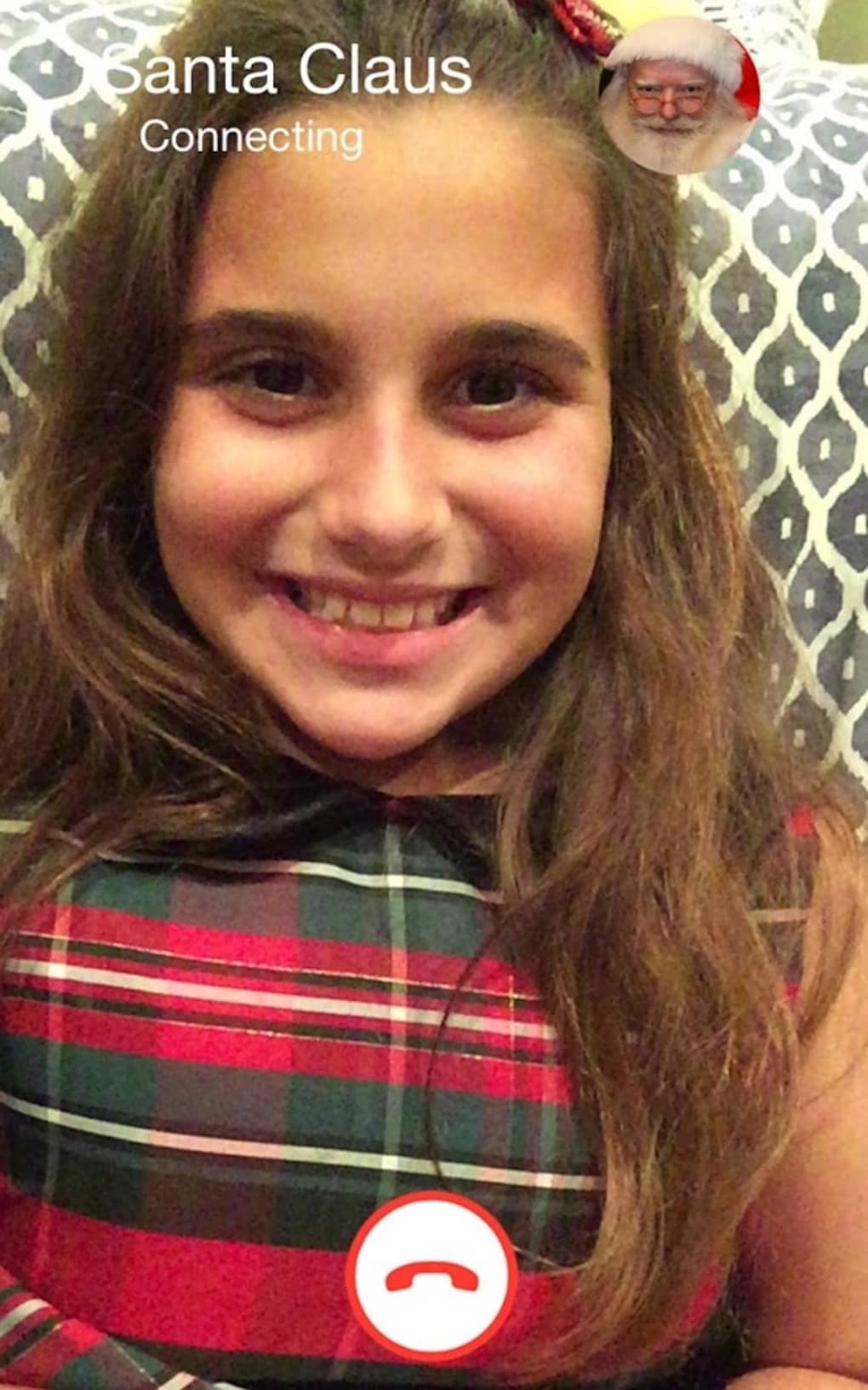
Video Calls With Santa is a festive desktop application designed to connect children with Santa Claus through live video calls, offering a magical and interactive holiday experience. The software aims to enhance the Christmas spirit by allowing young users to share their holiday wishes directly with Santa in real time. This unique communication tool is tailored for families seeking a memorable, personalized way to celebrate the season. Target users include children aged 3 to 12, as well as parents and guardians who wish to create joyful, lasting holiday memories.
The app is developed by Santa’s Workshop, a company specializing in seasonal digital experiences. While specific details about the developer’s broader portfolio were not provided, the software’s purpose is clearly centered around holiday-themed engagement. Real-world usage scenarios include pre-Christmas family gatherings, holiday events at schools or community centers, and individual moments of festive delight at home. The application is intended to be used during the holiday season, particularly in the weeks leading up to Christmas.
Key Features & Capabilities
- Live Video Calls with Santa – Enables real-time face-to-face interaction with Santa Claus, creating a personalized and immersive experience for children.
- Festive Themed Interface – Features a holiday-inspired design with animated decorations, seasonal sounds, and Santa-themed visuals to enhance the magical atmosphere.
- Wish Submission Portal – Allows children to verbally or textually share their Christmas wishes with Santa during the call, which are recorded and stored for later reference.
- Session Recording Option – Offers the ability to save video recordings of the call, preserving the moment for future viewing and sharing with family members.
- Parental Controls – Includes settings to manage call duration, limit session frequency, and ensure a safe, supervised environment.
These features support meaningful engagement, helping children feel heard and special during the holiday season. For example, a child can describe their wish for a specific toy, and Santa can respond in real time, adding authenticity to the experience. The recording feature allows families to revisit the moment during the year, making it a cherished keepsake. The interface’s playful design helps maintain a child’s attention and enhances emotional connection.
User Interface, Workflow & Performance
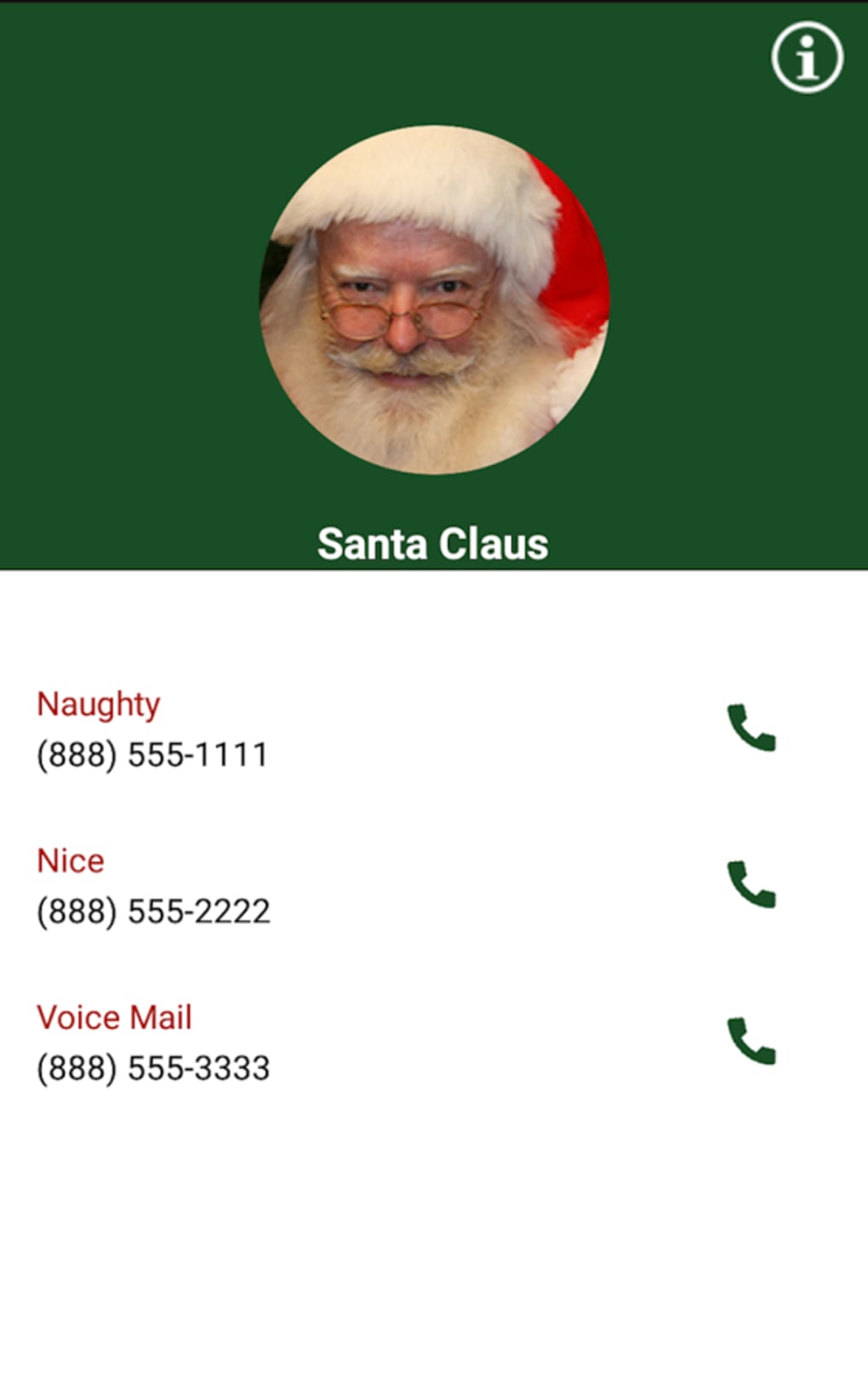
The user interface of Video Calls With Santa is designed with simplicity and child-friendly navigation in mind. The main screen features large, colorful buttons and animated Santa icons, making it easy for young users to initiate a call without assistance. Navigation is intuitive, with minimal steps required to start a session. The workflow follows a logical sequence: launch the app → select “Call Santa” → wait for connection → begin the conversation.
Performance details were not specified by the developer. However, based on general software behavior, the application is expected to run smoothly on standard desktop systems during typical usage. The developer did not provide additional system requirements or information about CPU or RAM usage. Stability during extended sessions was not confirmed. No performance benchmarks or user reports were included in the release materials.
Compatibility & System Requirements
Video Calls With Santa is available for both Windows and Mac operating systems. The software version is 1.0.1, with an installation size of 50MB. This indicates a lightweight application that should not require significant disk space. The developer did not specify exact system requirements, such as minimum RAM, processor speed, or graphics capabilities. Compatibility information was partially provided, leaving some aspects of hardware suitability unclear.
Users are advised to ensure their system meets general desktop software standards for running video applications. The lack of detailed specifications means that compatibility with older or low-end systems cannot be confirmed. It is recommended to check for updates or contact support if installation issues arise.
Pros and Cons
Pros
- Unique and emotionally engaging holiday experience for children
- Interactive, festive interface enhances user enjoyment
- Real-time video communication with a themed character
- Option to record and preserve special moments
- Includes parental controls for safer usage
Cons
- Price point of $19.99 may be considered high for a seasonal app
- Limited availability to only Windows and Mac platforms
- No information on system requirements or performance impact
- Call costs may be additional and not clearly disclosed
- Not suitable for use outside the holiday season
FAQ Section
Is Video Calls With Santa available for mobile devices?
The software is currently available for Windows and Mac desktop systems. There is no information provided about mobile app availability.
Is the app safe for children to use?
Yes, the app includes parental controls and is designed with child safety in mind. However, the developer did not provide specific details about data privacy or security protocols.
How often can I schedule a call with Santa?
The app allows users to initiate calls as needed, but the frequency may be limited by the available Santa schedules and session duration settings.
Do I need an internet connection to use the app?
Yes, a stable internet connection is required to enable live video calls with Santa.
Can I download the latest version of the software?
Yes, the latest version is 1.0.1 and can be downloaded from the official source. Regular updates are recommended for optimal performance and features.
Final Thoughts + CTA
Video Calls With Santa delivers a heartwarming and imaginative way for children to connect with a beloved holiday figure. While the app’s price may be a consideration, its unique concept and emotional impact make it a standout option for families seeking festive fun. The combination of live interaction, a festive interface, and the ability to record special moments adds lasting value. However, the lack of detailed system requirements and unclear cost structure may pose challenges for some users.
For parents and guardians looking to create magical Christmas memories, this app offers a memorable experience. It’s best suited for the holiday season and ideal for children who enjoy imaginative play and personalized interactions. Despite its limitations, the app stands out as a thoughtful digital gift. Download Video Calls With Santa now to bring a little holiday magic into your home.





.png)

